Are you bored with the old ringtones on your phone? Do you want to personalize your experience with a catchy tune? Convert the song into a custom ringtone for your phone, just by using the best ringtone maker.
You can easily use the online ringtone maker and convert the MP3 into a ringtone in a few simple steps. Here in this blog, we tell you the Easy Way to make a Ringtone from a song.
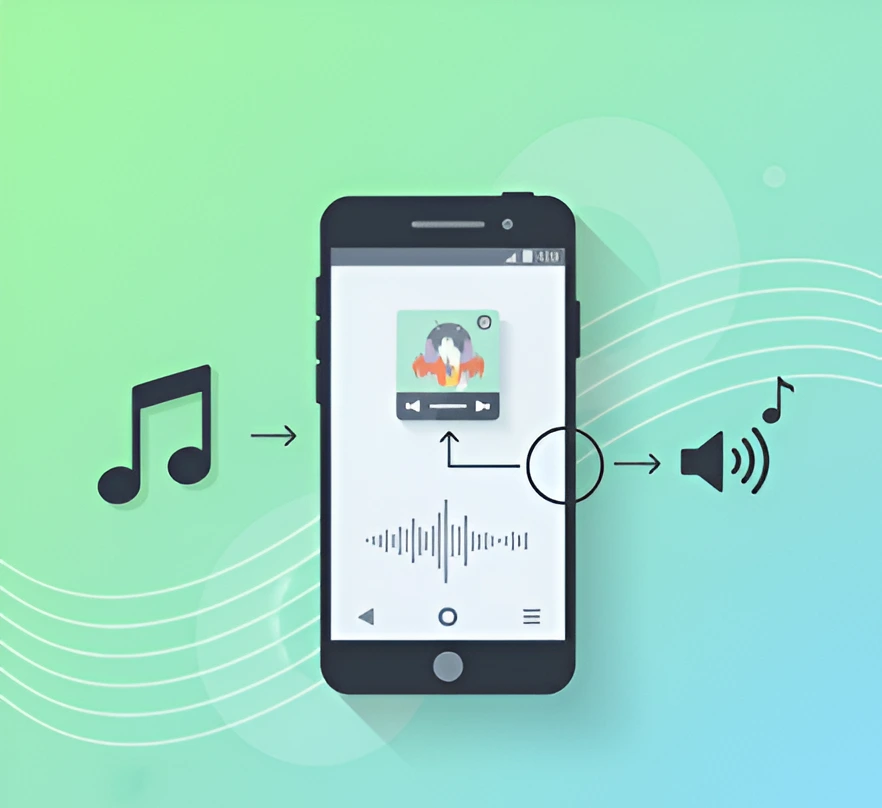
How Easy Way to Make a Ringtone from any song online
How to Create a Ringtone From a Song? If you want to create a custom ringtone for your phone, then you can use the best ringtone maker online.
Ringtonemaker.org allows you to cut and mix songs for ringtone making. You just need to upload a song or audio file — it’s a simple way to convert songs into iPhone ringtones and Android ringtones. Here’s how you can make a ringtone from any song using this tool.
Step 1: Upload audio file
Open the ringtonemaker.org, a ringtone editor on your browser, choose the files, and browse the local song file. You can also record the audio that you want to set as a ringtone.
Step 2: Personalized ringtone duration
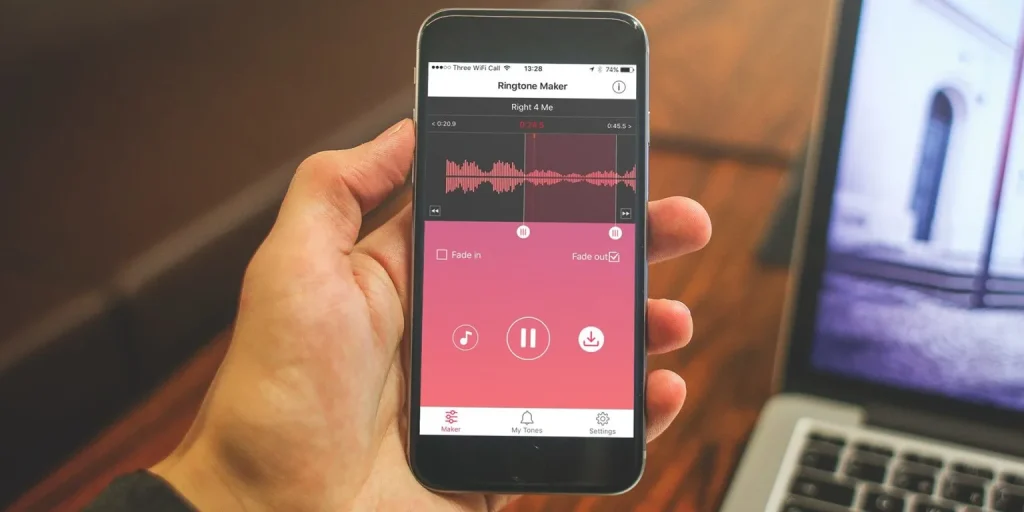
Drag the trimming bars on each end to remove unwanted parts from the song file. Enter start and stop durations for more precise ringtone results. Tap keep and apply fade-in/out results to make the ringtone sound more natural and professional.
Step 3: Export new ringtone
Check the ringtone in advance before downloading it. Then click on the export button to save this custom ringtone and apply on your phone calls.
How to make a ringtone from a song on Android
You can easily create custom ringtones on Android phones by using Android Ringtone Creator Tools for Free. Here is an Easy Way to Make a Ringtone from a song for you.
Step 1: Pick a favorite song
Choose the song that you want to set as a ringtone. If you don’t have the song already, then you can download it to your phone from any source. Most Android devices support MP3 files.
Step 2: Trim the song
If you don’t want to set the whole song as a ringtone, then you can trim the part. Here how to trim the song
- Open the free ringtone maker on your browser.
- Select the song, set the ‘start time’ and ‘end time’ to select a specific portion of the song as a ringtone.
- Save the trimmed file
Step 3: Set the ringtone
Now, open your phone settings. Go to sound settings, select the ringtone, and then add or custom it to upload the file. Check the ringtone after Convert Any Song into a Ringtone and hear if it sounds properly as you want.
How to make a ringtone from a song on an iPhone
If you want to Make a Ringtone from Any Song on iPhone, then you need to follow some extra steps. Here how you can easily create a custom ringtone on iPhone
Step 1: Use iTunes to add a song
Open iTunes on your computer, and add the songs to your library if not currently there.
Step 2: Pick the best part
Right-click on the song, select the ” Get Info” option. Tap on options and set start and stop times to set the ringtone.
Step 3: Convert to ringtone format
Now, ring click on the song again and select the ‘Create AAC Version’ option. Save this file and convert it to the extension .m4r on iPhone. Mp3 format is not ringtone format on iPhone, so convert it into M4R.
Step 4: Sync it to iPhone
Connect your iPhone to your laptop. Drag the ringtone file to the tones section of your iPhone. Go to phone settings, and apply it as a ringtone.
In this way, a brand new tone is set on your iPhone. Enjoy it.
Tips to edit a song and get a perfect ringtone
If you want to create the Make a Ringtone from Any Song on your phone, then you should follow the given tips.
Choose the right section
Pick the section of the MP3 that you want to set as a ringtone. You can also use the free song editing app to trim the song and select the section to apply as a ringtone.
Adjust volume
Ensure that the volume of the ringtone you set is loud enough before Convert Any Song into a Ringtone. You can adjust its volume by using the free audio editing app.
Add fade-in and fade-out effects
Next, you need to add fade in effects as starting, and fade out effects at end of ringtone. It makes the sound more professional and polished.
Use the ringtone maker app
If you don’t have an audio editing app, then you can use the ringtone maker app, ringtonemaker.org, to create a custom ringtone.
This website allows you to select the section of the song you want to use, adjust volume, and add Fade in and fade-out effects.
By following the above Best Free Ringtone Apps for Android and iPhone Guide, you can easily create a customized ringtone that fits your style and personality.
Conclusion
Now you understand the Easy Way to Make a Ringtone. Whether you are using an iPhone, Android or other devices, the conversion process is fun and easy. So, why are you hearing the bored tones now?
Change it with a catchy ringtone on your phone. Try ringtonemaker.org today and get your custom ringtone that reflects your personality.
FAQs
How long can a ringtone be?
The duration of ringtones on most phones is 30 seconds long. The ringtone maker online allows you to set the duration of the ringtone easily.
Is it safe to convert a song into a ringtone by using ringtone makers?
Yes, it is safe to use the trusted ringtone makers like ringtonemaker.org to convert the songs into ringtone on your phone.
Can I use copyrighted songs?
Yes, you can use the copyrighted songs for personal purposes, but don’t share them online, because it violates the copyright laws.
Do I need the computer to convert MP3s into ringtones?
No, a computer is not always necessary to convert songs into ringtones. You can easily create custom ringtones on your iPhone, laptop, Android, or other device.
Can I make ringtones from videos?
Yes, you can also generate the ringtones from videos, edit the clip by using the ringtone maker, and get custom ringtone.

Hi, I am Kishan Rathod, a digital product specialist and content creator with hands-on experience in online audio tools and user-friendly web solutions. I create practical, experience-based content that helps users easily create personalized mobile tones using a powerful yet easy-to-use Ringtone Maker for modern smartphones.
